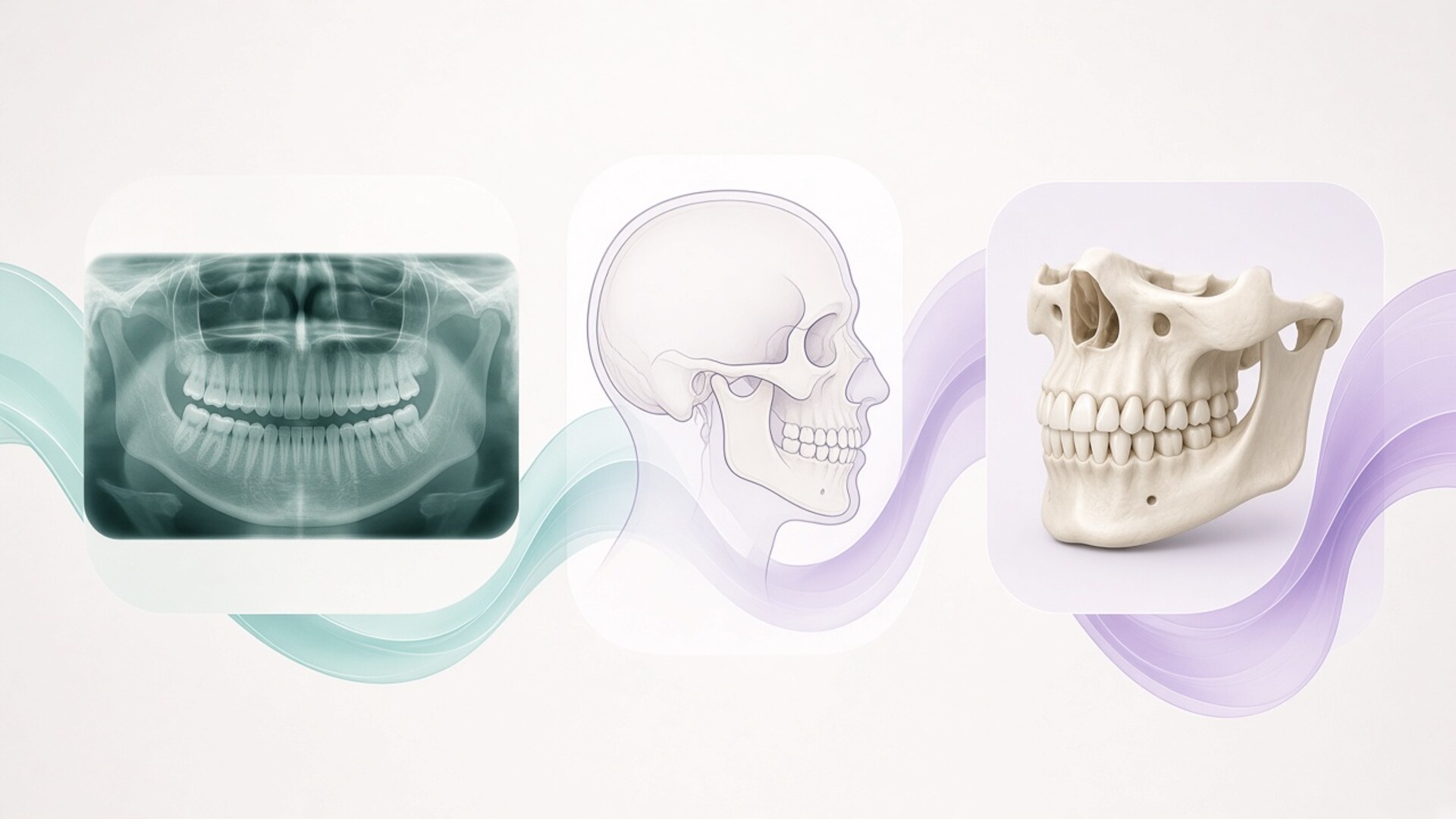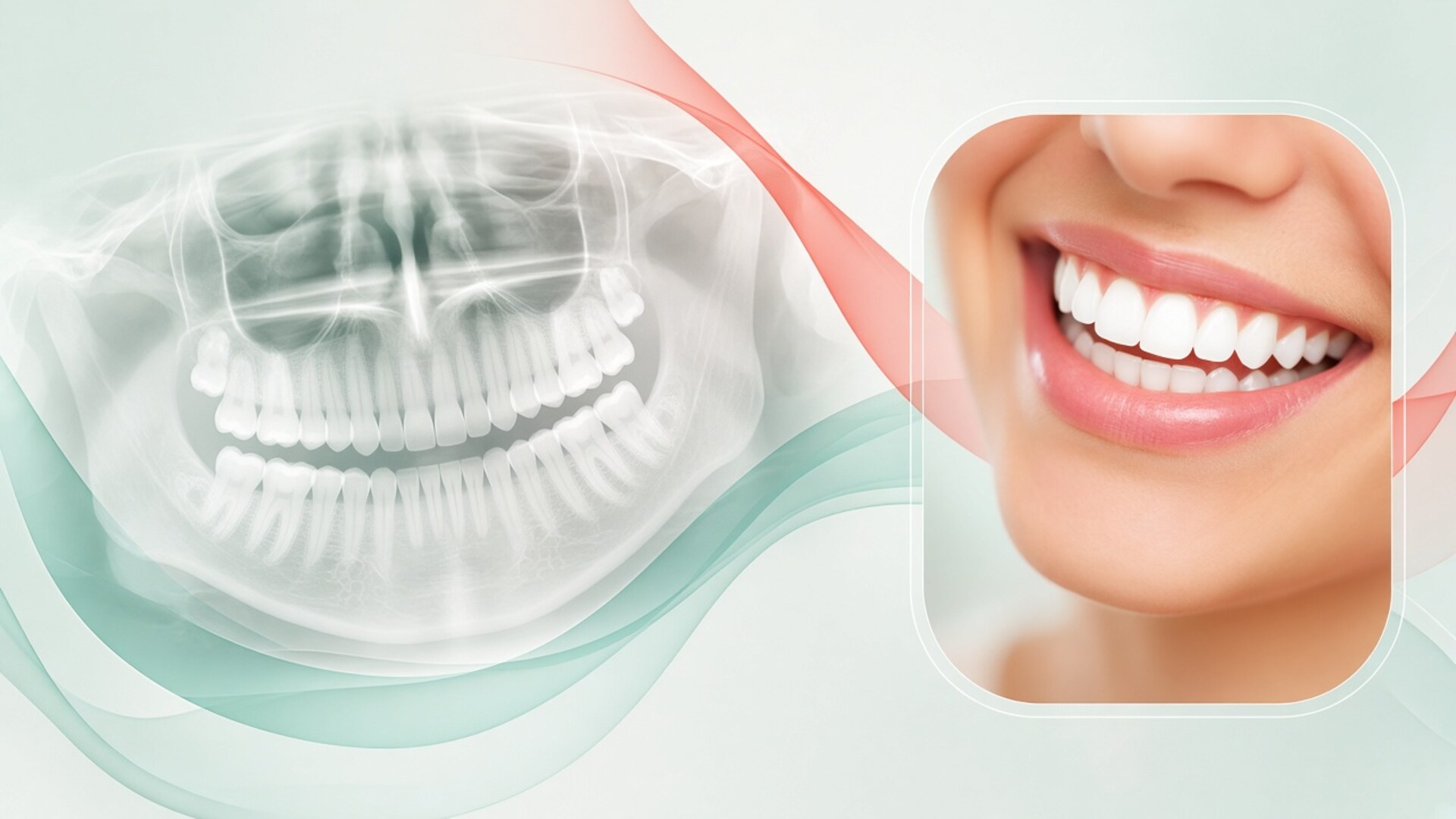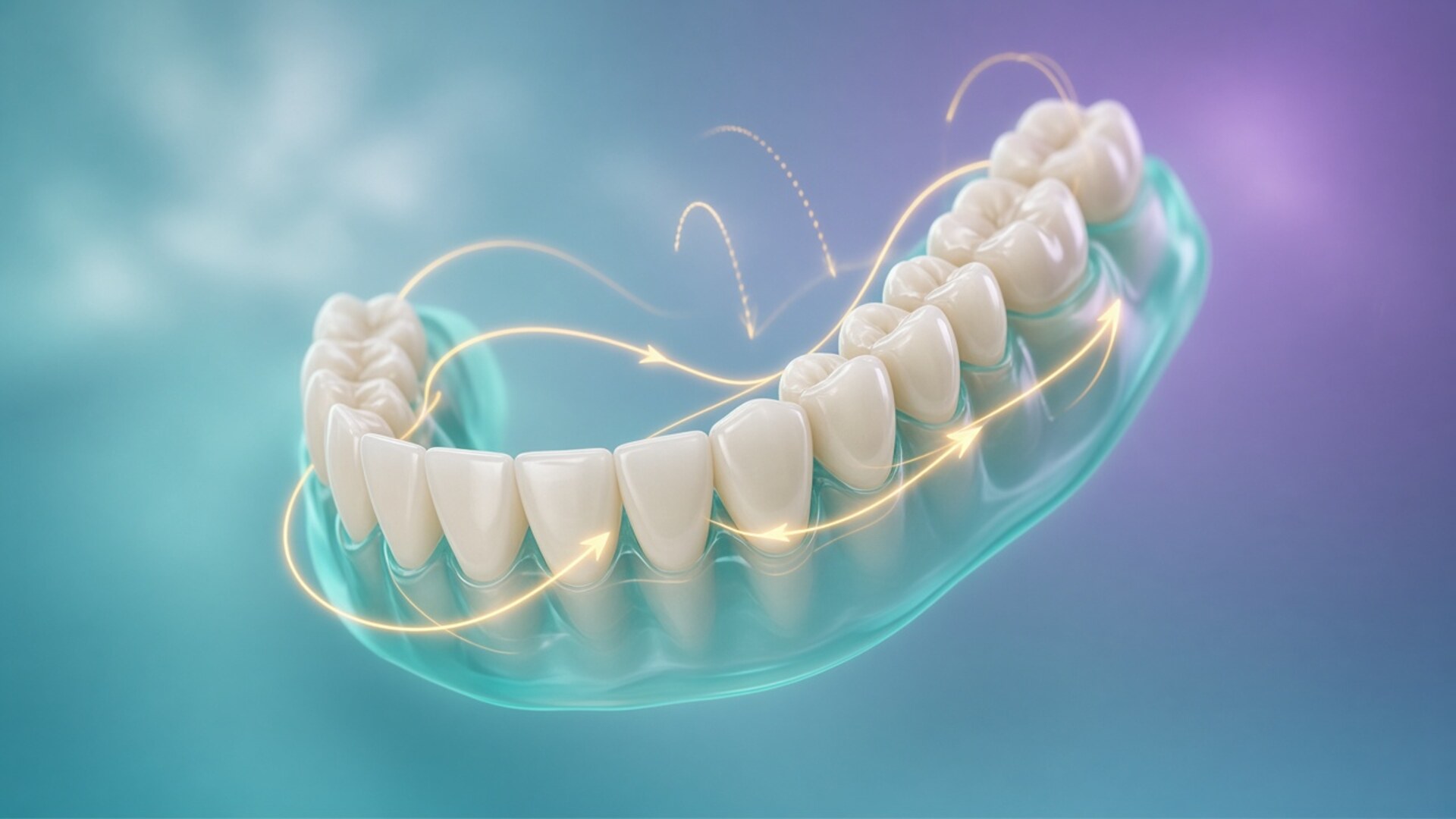
Digital orthodontic treatment planning starts with data: an intraoral scan, face and smile photos, a panoramic X-ray, and, when needed, a lateral cephalogram and a CBCT scan. I am Dr. Maksut Behruzoglu, a specialist orthodontist in Dubai, and I layer these records into one picture before I move a single tooth on screen. During the consultation you watch an animation: your teeth glide into a neat arch in about twenty seconds. While you watch, I look at what the animation leaves out: roots, bone thickness, the gum line, lip support, joint function, and available space. The software will calculate any movement I ask for, including one the bone cannot support. That is why the plan in digital treatment planning comes from the clinician, and the computer speeds up the math and helps me show the idea. A large 2020 accuracy study of clear aligners found that, on average, teeth reached about 50% of the planned movement, so I build in corrections and checkpoints. This article covers the records I collect, what I read on the model, the decisions I make before your first aligner or bracket, and the questions worth asking any orthodontist about your plan.
Digital planning versus plaster models: what actually changed
Twenty years ago an orthodontist took alginate impressions, poured plaster models, set them on the desk, and planned treatment with a ruler, calipers, and experience. Some clinicians sawed a duplicate model into individual teeth and reset them in wax to preview the finish. That setup took hours, and a second version cost the same effort as the first.
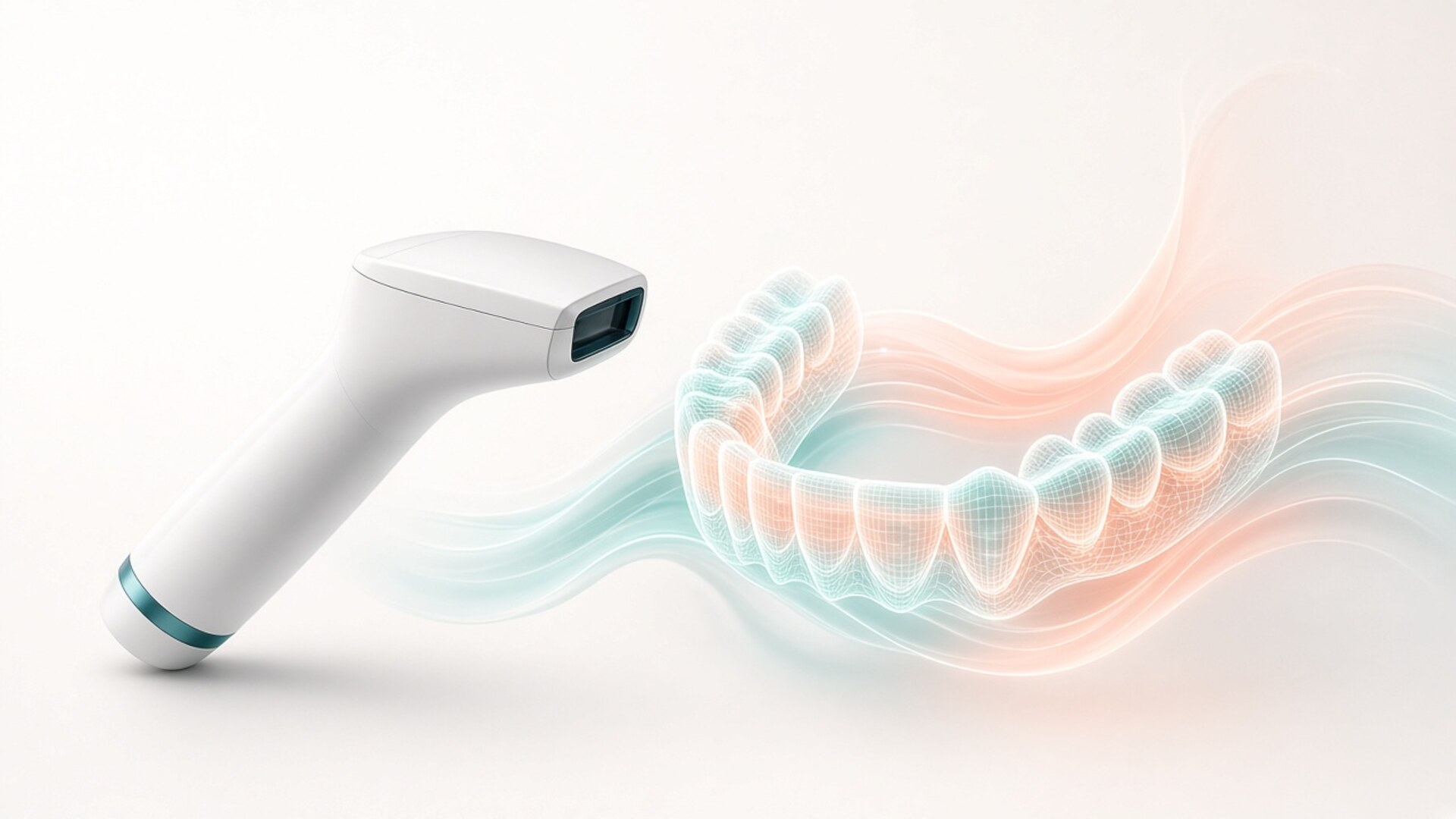
Today I scan your teeth with an intraoral scanner in a few minutes. The software builds a 3D model of each tooth, separates the crown from the gum, and lets me move teeth one by one in steps of a tenth of a millimeter and a single degree. In one evening I can build three versions of a plan: with extractions, without extractions, with arch expansion. I can superimpose two scans taken six months apart and see exactly where teeth drifted.
The core of the job stayed the same. The orthodontist still decides where each tooth goes, how fast, and in what order. Digital tools removed manual labor and made it possible to show you the plan clearly. They also brought a temptation: a polished animation looks a lot like a guarantee.
I use digital planning for both clear aligners and braces. With aligners, the plan becomes a series of trays, each shifting teeth by a small step. With braces, the digital model helps me choose bracket positions, measure crowding, sequence archwires, and sometimes produce indirect bonding trays or custom wires. The thinking order holds in both cases: diagnosis first, then the goal, then the mechanics.
In digital treatment planning I combine several data sources. Each answers its own question, and none answers all of them. The scan shows crowns and gums. X-rays show roots and bone. Photos show your face, lips, and smile. The clinical exam shows how your jaw moves and what bothers you. A plan built from a scan alone resembles a house drawn from the front elevation with no foundation plan.
Patients often ask who builds the plan: the doctor or a technician at the aligner company. Aligner systems employ technicians who prepare an initial setup based on the doctor's prescription. I receive that setup and edit it: I change tooth positions, movement order, attachment locations, and the amount of enamel reduction. I sometimes send a plan back three or four times before I show it to the patient. The orthodontist signs off on the plan and carries responsibility for it.
The records behind a digital plan
Digital orthodontic treatment planning needs several layers of information, and the set depends on the problem. A patient with mild crowding of the front teeth usually needs a scan, photos, and a panoramic X-ray. A patient with a skeletal jaw discrepancy, an impacted canine, or marked asymmetry needs a lateral cephalogram and sometimes a CBCT. I do not order imaging as a bundle. Each X-ray should answer a specific question that changes the plan. If the exam already answers that question, extra radiation and extra cost serve no purpose. In Dubai many patients arrive with records from elsewhere: X-rays from Moscow, scans from Istanbul, photos from London. I use them when the quality is good and they are recent. Teeth and bone change, so a three-year-old X-ray tells a story, while the plan itself needs current data.
The intraoral scan
The scanner captures thousands of images of teeth and gums and stitches them into a model. Current scanners match conventional impressions for full-arch accuracy, and patients find them far more comfortable: no tray of paste, no gagging for people with a sensitive reflex. I scan the upper and lower arches and record the bite on both sides.
Scans have weak spots. Saliva and bleeding gums create artifacts. Back molars scan less cleanly in people with limited opening. The bite record can capture a habitual jaw position that differs from the position where the joints sit comfortably. I check the scan right after capture: margins, contact areas, and whether the recorded bite matches what I see in your mouth.
The biggest limit: a scan sees only what sits above the gum. It has no roots. Some programs draw roots, but these come from a library of average shapes and do not show your actual roots. For decisions about bone, I need an X-ray.
Face and smile photos, plus video
A standard photo protocol includes the face from the front at rest and smiling, the profile, a three-quarter view, intraoral shots with retractors, and occlusal shots with a mirror. I add a short video of you talking, laughing, and saying a few sounds. A posed smile in a photo is often smaller than your natural smile in conversation.
From photos I assess how much of the upper incisors shows at rest, how the smile line follows the lower lip, whether gum shows in a wide smile, and whether the dental midline matches the facial midline. The scan knows none of this. If I aligned teeth to a perfect arch on screen without looking at the face, the incisors could end up too short in the smile or the midline could drift away from the nose and chin.
Some software can overlay photos on the digital model. That helps us talk about aesthetics, though merging a photo with a scan carries its own error margin, and I keep it in mind.
Panoramic X-ray, cephalogram, and CBCT
A panoramic X-ray (OPG) gives the overview: whether all teeth are present, whether any are impacted or extra, bone levels, root shortening after past treatment, and the status of wisdom teeth. For most adult patients it is the baseline.
A lateral cephalogram shows how the jaws relate to each other and to the skull base, incisor angulation relative to the bone, and vertical facial proportions. Without it, deciding how far I can tip the lower incisors forward to gain space becomes guesswork.
I order CBCT, a 3D X-ray, when there is a clear reason: an impacted canine near neighboring roots, suspected root resorption, thin bone before planned expansion, significant asymmetry, or mini-screw placement in a tight area. Modern software can merge a CBCT with the scan so your real roots appear on the model. CBCT carries a higher radiation dose than a panoramic image, so I use it when the answer will change the plan.
What I see on the model while you see straight teeth
During the consultation we look at the same screen but read it differently. You look at the final frame: straight teeth, closed gaps, a symmetric arch. I look at the path to that frame and at what happens to the tissues around each tooth. On screen every tooth moves freely. In your mouth the root sits in bone of a certain width, the bone is covered by gum of a certain thickness, and lips and cheeks rest on top of it all. The software does not know that your lower jaw has thin bone, that the gum on your canines has already receded by a millimeter. I know these things from X-rays, the exam, and our conversation. I overlay them on the digital plan in my head, and sometimes literally, by merging files. Three areas get particular attention.
Roots and the limits of bone
On screen I can place a crown anywhere. The root can end up outside the bone. Clinicians call this dehiscence or fenestration: over part of the root the bone disappears, leaving only thin soft tissue under the gum. In adults with a thin gum type, that scenario raises the risk of recession, where the gum pulls back and exposes the root.
The classic risk zone in adults is the lower incisors. If I resolve crowding by tipping the lower incisors forward, the crowns will line up nicely while the roots press against a thin front wall of bone. The second zone is the side teeth during upper arch expansion in an adult. In a child the palatal suture is still open, so expansion can involve bone. In an adult the teeth tip outward, and the bone widens only within narrow limits.
So I compare the digital plan with the cephalogram and, when needed, the CBCT. When a movement exceeds what I consider safe for that bone, I change the plan: gain space another way, reduce the tipping, discuss extractions, or bring in a periodontist.
Lips, smile, and profile
Front teeth support the lips. When I tip incisors forward, the lips get fuller and move forward. When I close extraction spaces and retract the incisors, the profile can flatten. For one patient that is the goal; for another it is the outcome to avoid.
The model has no lips. So I keep the profile photo and cephalogram next to the plan and estimate how incisor changes will show in the face. No software gives an exact soft-tissue forecast: lip response depends on thickness, muscle tone, and age.
The smile has its own logic. Ideally, the curve of the upper incisal edges follows the lower lip when you smile. If I level the edges into a straight line on screen, the smile can look flat and older. I adjust the vertical positions of incisors and canines on the model using photos and video as my reference, and I let the arch geometry follow the face.
Bite and joint function
The digital model shows your bite at one point: the position in which I recorded it. Your real jaw slides forward, moves sideways, and opens and closes hundreds of times a day. On screen the teeth can meet nicely while a single canine or molar interferes during a side movement.
I check which position the bite was recorded in. If a patient has a gap between habitual closure and the position where the joints rest comfortably, a plan based on the recorded bite may be off. When someone reports joint pain, painful clicking, or limited opening, I work through the joint history first and approve tooth movement only after that.
I review function on screen through contacts: where teeth meet in the final position, whether one tooth takes too much load, and whether the canines guide side movements. The final check happens only with your real bite at follow-up visits.
What the screen shows you and what stays behind it
When I present a plan, I choose views that help you understand the treatment. Usually that means the animation from start to finish, plus front and side views. The working part of the plan stays in the background: a movement table for every tooth, the staging sequence, enamel reduction amounts, attachment positions, and the projected number of aligners. I don't hide this data. For someone seeing their teeth in 3D for the first time, a table with dozens of rows of millimeters and degrees rarely means much. I walk through it on request. For everyone else I translate the numbers into plain decisions: which teeth will be difficult, where elastics come in, and where I've left room for a mid-course correction. Three parts of the plan look different from the patient's chair and the doctor's desk.
The animation
The animation follows a simple rule: the software takes the start and end position of every tooth and connects them smoothly. All teeth move at once and at an even pace. Twenty seconds of video stand in for a year or eighteen months of treatment.
Biology does not work that way. Real teeth move at different speeds; some lag, some run ahead. Some roots are longer and bulkier, and the bone around them is denser. The animation shows neither time nor tissue resistance.
I ask patients to treat the animation like a route on a map. The map shows the destination and the waypoints. Traffic, road works, and detours do not appear on it, yet you meet them on the drive.
The tooth movement table
Planning software includes a movement table: for each tooth it lists shifts forward or back, left or right, up or down in millimeters, plus rotation, crown tip, and root torque in degrees. I read it row by row.
Some numbers raise a flag right away. Rotating a round lower premolar or canine by more than thirty degrees with aligners tends to fall short of the plan. Extruding an upper lateral incisor by a couple of millimeters needs extra help too. A large sideways root movement of a molar needs anchorage control. I mark these teeth and decide: split the movement into smaller steps, add a specially shaped attachment, build in overcorrection, add elastics, or use a mini-screw.
Patients rarely see this table, and that's fine. What matters is that the orthodontist reads it and explains the conclusions in plain language.
Attachments, enamel reduction, and staging
For aligners, the plan includes attachments: small tooth-colored composite bumps that give the tray something to grip so it can deliver force. The software proposes default positions, and I often change them. I remove attachments from front teeth where they hurt the look and add nothing to the movement, and I add them where a tooth will resist.
Interproximal reduction, or IPR, creates space by removing tenths of a millimeter of enamel at contact points. The plan specifies how much to remove at each contact and at which stage. I check that the amount stays within safe enamel thickness for those teeth and that IPR happens when the contacts are accessible.
Staging sets the order in which teeth move. If molars need to move back, I stage them one after another so the remaining teeth act as an anchor. The animation hides this order, yet the plan's success depends on it.
Records map: what each data source shows
This table explains why I ask for different records and why a scan cannot stand in for an X-ray, or an X-ray for an exam. I choose the record set for your plan after the consultation.
| Data source | What it shows | What it misses | When it's needed | What it changes in the plan |
|---|---|---|---|---|
| Intraoral scan | Crowns, gums, arch form, bite at the recorded point | Roots, bone, joint, lips | Every digital plan | Space analysis, crown movements, tray fabrication |
| Face and smile photos | Facial proportions, smile line, midline, gum display | Roots, skeletal relationship | Every plan | Vertical incisor position, aesthetic goals |
| Speech and smile video | Natural smile, tooth display while talking | Bite details | Aesthetic concerns | Incisor length, smile arc |
| Panoramic X-ray (OPG) | All teeth, root overview, bone level, impacted teeth | Exact bone thickness, joint disc | Baseline for adults | Extractions, contraindications, root length |
| Lateral cephalogram | Jaw relationship, incisor angle to bone, profile | 3D detail, fine root detail | Skeletal problems, extraction decisions | Safe incisor tipping, extraction or not |
| CBCT | Roots and bone in 3D, impacted teeth, wall thickness | Joint disc soft tissue, movement over time | Specific clinical question | Expansion limits, canine path, mini-screws |
| Clinical exam | Jaw movement, muscles, gums, hygiene, habits | Hidden structures | Always | Sequencing, contraindications, pace |
| Conversation and concerns | Your goals, expectations, lifestyle | Anatomy | Always | Choice of appliance, realistic goal |
Patients are most surprised by the last two rows. The conversation feels like small talk, yet it defines what success means for you. One person cares about the smile in photos, another about chewing, a third about wearing nothing visible in client meetings. A digital plan is built around a goal, and you state that goal in words.
Decisions I make before your first aligner or bracket
The digital model lets me compare treatment options before a single attachment goes on a tooth. This is the most valuable part of the work, and patients barely see it. I sketch several routes to the goal and compare what each will do to bone, profile, bite, timeline, and the demands on you. Sometimes the difference between options is a couple of months and a few extra visits. Sometimes it runs deeper: extractions or none, mini-screws or elastics, orthodontics alone or together with a surgeon. I present the options I consider medically sound and explain the trade-offs of each. When two reasonable paths exist, we choose together. If one option carries a clear risk to bone or gums, I say so and do not present it as an equal. Three groups of decisions come up in almost every plan.
Extractions, expansion, or enamel reduction
When teeth lack space, there are several ways to create it. Enamel reduction gives a few millimeters per arch. Expansion gives space, but in adults bone limits it. Tipping incisors forward also gives space, at the cost of a changed profile and load on the front bone wall. Distalization, moving molars back, works when there is room behind them. Premolar extraction gives a lot of space at once and changes the profile.
On the model I measure the space deficit in millimeters and test each route. Numbers help, but the face drives the decision. For a patient with a convex profile and full lips, extractions may help. For a patient with a flat profile, the same extractions can age the face. I show both versions and explain why I lean toward one.
Movement sequence
The order of movements determines what the teeth push against at each moment. If every tooth moves at once, nothing anchors the movement, and teeth drift where you don't want them. So when moving molars back, I move them one at a time or in pairs. When closing spaces, I decide which teeth should hold still and which should travel.
With a deep bite I choose between intruding the front teeth, extruding the back teeth, or combining both. The choice depends on how much incisor shows in your smile and the height of the lower third of your face. On screen both options close the deep bite equally well; in the face the results differ.
For braces I plan the archwire sequence: from thin flexible wires for alignment to stiffer ones for root control. The digital model helps me position brackets so the wire does its job without extra bends.
Auxiliaries and the limits of each method
Aligners and braces handle some movements on their own. Others need helpers: elastics, mini-screws, sometimes temporary fixed elements. I build them into the plan from the start so you know about them before treatment begins.
When the skeletal jaw discrepancy is large, teeth can compensate only up to a point. Past that point the conversation moves to orthognathic surgery, and I discuss a referral to an oral and maxillofacial surgeon. The digital model can still show a lovely bite in such cases, because the software moves teeth without regard for bone. My job is to tell you that without surgery that bite would require risky tooth tipping.
The choice between aligners and braces also happens at this stage. Both methods are legitimate and produce good results within their indications. Some movements are easier to control with one tool, some with the other, and sometimes I suggest a combination.
Where the digital plan and reality part ways
A digital plan describes the goal and the route. Real treatment deviates from it, and that is expected. Researchers have measured the gap between planned and achieved movement for years. An early 2009 study put average aligner accuracy at about 41%. A 2020 study in the American Journal of Orthodontics and Dentofacial Orthopedics reported about 50% across all movement types. Tipping of crowns toward the tongue or lips performed best; rotations of round teeth and vertical movements performed worst. Systems keep improving, yet the gap persists.
The gap has several causes. First, biology. Bone remodels at different rates in different people and even around different teeth in the same mouth. Dense bone, root length, age, general health, and some medications affect the pace. Second, wear time. An aligner worn 16 hours a day instead of 20 to 22 falls behind schedule every day. Third, mechanics. Aligner plastic deforms, attachments wear down, elastics lose force by evening. Fourth, the input data. A scan with error in the molar area, or a bite recorded in an inaccurate position, bakes an error into the whole plan.
Braces have their own error margin. A bracket placed half a millimeter too high or a few degrees off translates into an inaccurate tooth position. That is why I adjust wires, reposition individual brackets, and add bends during treatment.
I manage the gap in several ways. I build in overcorrection where a movement predictably falls short, for example rotating a round tooth a few degrees beyond the target on the plan. I break difficult movements into smaller steps. I schedule check-ups where I compare your teeth with the stage the plan says you should be at. If the lag is noticeable, we pause and take a new scan instead of waiting for the series to end.
Refinements, additional aligner series built from a new scan, are routine in clear aligner treatment. Across studies, most aligner patients need at least one refinement, and many need more. I mention this before we start so a refinement never feels like a failure. It does extend the timeline, and I quote that timeline as a range.
Teenagers add growth to the equation. Jaws grow, and growth direction can be predicted only roughly. A plan made at 12 may need revision by 14. The digital model does not account for growth.
How to take part in your plan: questions worth asking
You have every right to understand your plan. Digital orthodontic treatment planning makes that easier: the model can be rotated, paused, and compared with the starting position. I encourage patients to ask questions at the consultation, before anything is bonded. In 3D bite modeling we go through the model together, and I show you the decisions behind it.
Useful questions for any orthodontist:
- What is the goal: smile aesthetics, bite function, preparation for restorative work, or all of these?
- Which records did you use besides the scan?
- Which teeth will be hardest in this plan, and why?
- Where does the plan include enamel reduction, and how much at each contact?
- Will I need elastics, mini-screws, or other auxiliaries?
- What will happen to my profile and lips?
- How likely is a refinement, and how does it affect the timeline?
- What is the retention plan after treatment?
- What happens if my teeth start lagging in the first few months?
The answers matter more than the picture. An orthodontist who names the difficult teeth and explains the backup options understands the plan. If the only answer is "it will look just like the screen," ask for more detail.
I also suggest saving the final plan images and your starting photos. A year into treatment people forget what their teeth looked like. Comparing with the starting point shows the real progress, and comparing with the final animation shows what's left to do.
Informed consent includes understanding the limits. I go through the risks in detail: gum recession, root shortening, relapse without retainers, and the possibility of a plan change. This is not meant to scare anyone. A patient who knows the risks spots early signs and comes in for a check at the right time.
If you received a plan at another practice and want a second opinion, bring the plan file or screenshots with the movement table, plus X-rays and photos. I will review the plan and tell you what raises questions. I make decisions about a specific case only after seeing you in person.
FAQ: digital orthodontic treatment planning
Can a digital plan be made without an in-person exam?
The software can build a plan from a scan alone. Medically, that plan is incomplete: without an exam, X-rays, and a conversation, the orthodontist cannot see bone, gums, joints, or your goals. The American Association of Orthodontists (AAO) recommends an in-person examination before any orthodontic treatment. I build plans only after a consultation.
Does every digital plan need a CBCT scan?
No. Many adults need only a scan, photos, a panoramic X-ray, and sometimes a lateral cephalogram. I order CBCT when there is a specific question: an impacted tooth, thin bone, suspected root resorption, or complex asymmetry. I decide on CBCT after the exam.
My plan showed 30 aligners, so why did treatment take longer?
The first aligner series assumes ideal tissue response and ideal wear. In practice some movements lag, and the orthodontist orders refinements based on a new scan. This is a normal part of aligner treatment and worth discussing before you start. I always give treatment time as a range.
Is digital planning only for clear aligners?
No. Aligners require a digital plan because the trays are made from it. With braces, the digital model helps measure space, choose bracket positions, prepare bonding trays, and compare stages. Many orthodontists use digital models for both.
Can I get a copy of my plan to show another orthodontist?
Yes. On request I provide screenshots of key stages and the movement table. The full file in the manufacturer's format may not open at another practice, but screenshots, photos, and X-rays transfer without trouble. I consider second opinions a normal part of care.
How long does it take to prepare a plan?
Once records are complete, the initial setup is usually ready within a few days. I then edit it, sometimes over several rounds, and book a meeting to review it with you. From consultation to approved plan typically takes one to three weeks, depending on complexity and the imaging required.
What if I don't like the final image?
Say so during the plan review. Many parameters can change: arch width, midline position, incisor length, how fully gaps close. I will explain which changes are safe for the bone and bite and which are not. We approve the plan when it works for you and for me as your orthodontist.
Does digital planning guarantee the result?
No. The plan describes the goal and the route, while the result depends on biology, appliance wear, hygiene, and follow-up visits. Digital tools make a plan more precise and easier to understand, yet real tissue response always differs from the calculation. I give you a realistic goal and the likely adjustments before treatment begins.